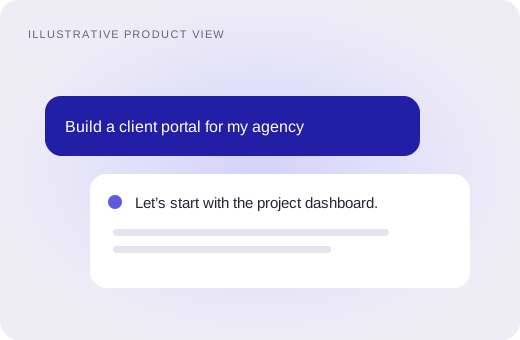
Build in conversation
Describe your idea, then ask for changes as you go. Avalaunch writes the code in a workspace you can inspect and edit.
Create apps and websites by chatting with AI
Start buildingThe workspace
Your conversation, code, and preview in one place. Go from an idea to a working app, with room to change your mind along the way.
Describe your idea, then ask for changes as you go. Avalaunch writes the code in a workspace you can inspect and edit.
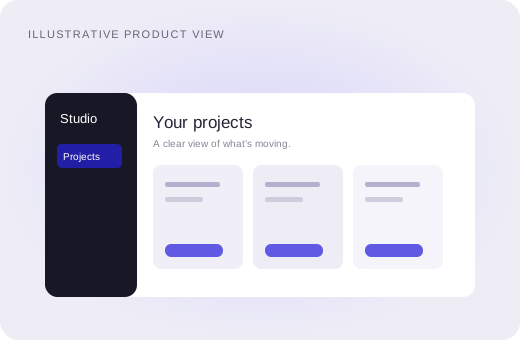
Keep the live preview beside your conversation. Check the layout, try the flow, and tell Avalaunch what needs fixing.
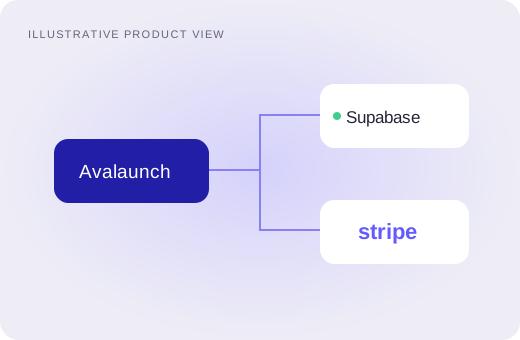
Connect Supabase for accounts and data, and Stripe for payments. Build around the services your app needs.
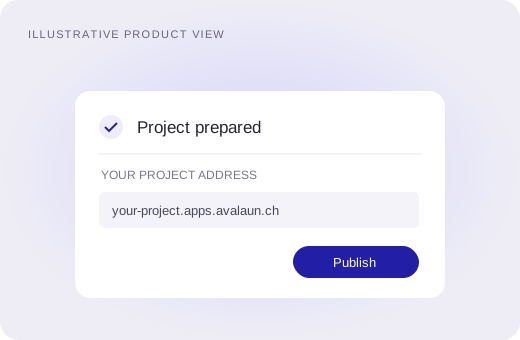
Use the publishing flow to prepare your project and put it online. Keep iterating in the same place.
How it works
Tell Avalaunch who the app is for and what they need to do. Add a screenshot if you have a design in mind.
Try the first version in the preview. Check the important screens before adding more features.
Ask for specific changes, connect your services, and publish when you’re ready to share it.
Who it’s for
You don’t need a finished spec to get started. Bring a problem worth solving and build a version you can put to the test.
Build the first version of an idea you want to test with real people.
Make a working prototype to put in front of your team.
Turn a client brief into a first draft you can review together.
Get a starting point, inspect the code, and take it from there.
Start building for free — no credit card required.
Avalaunch is an AI app builder created by Johnny Aidoo. Describe a web app, review the generated React code, and refine it in a live preview. Connect Supabase for accounts and data, and Stripe when your app needs payments.
Start with a small app and let AI help write the first version. You can inspect the code and ask for changes as you go. Test your key user flows before launching.
See how Avalaunch’s workflow fits your project before choosing a builder.